Scheduled ingestion: how to keep your data always up to date
Scheduled ingestion is what makes data arrive on its own in your central environment, at the right frequency. See how to set it up without overspending.
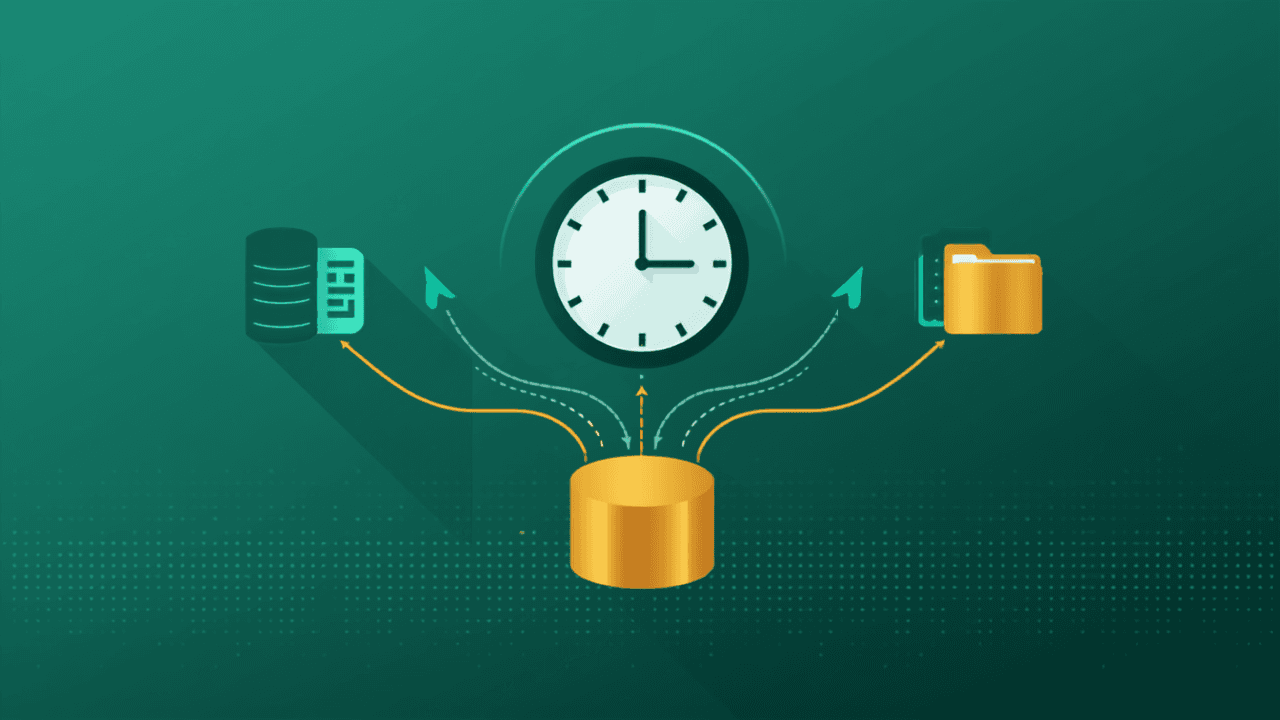
What good is centralizing data if it goes stale the next day? Scheduled ingestion is the piece that keeps your base alive: it automatically and regularly brings data from your sources into your central environment. Instead of manual exports, the data arrives on its own at the pace your business needs.
What is scheduled ingestion
It is the automatic reading of your sources at set intervals — every hour, once a day, a few times a day. You configure it once and the platform takes care of fetching new data and updating the base, without anyone clicking "export".
Which frequency to choose
The right answer is almost never "all the time". Updating more often than needed raises cost without adding value. Start with the question: how fast does this decision change?
- Management and financial reports: daily is usually enough;
- Same-day operations and sales: a few times a day;
- Master data and stable tables: weekly;
- Close operational monitoring: hourly or near real time.
The landing zone: where data arrives first
Before it is processed, freshly ingested data usually lands in a landing area (the Bronze layer). Keeping the raw data exactly as it arrived matters: if the processing changes, you reprocess from the original without pulling everything from the source again.
Full vs. incremental load
At small volumes, reloading everything every cycle is simple and works. As volume grows, it pays to bring in only what changed since the last run (incremental load) — faster and cheaper. What matters is that this is a deliberate decision, not an accident.
What to monitor
Healthy ingestion is observed ingestion: you need to know whether the last run happened, how long it took, how many rows it brought in and whether there was an error. Without that, a schedule that silently stopped becomes an outdated report nobody noticed.
How a platform like ingestia.io helps
ingestia.io runs scheduled ingestion from your sources into the landing zone and organizes everything in layers. You set the frequency for each source, track every run (duration, rows and status) and keep reports up to date without manual work — with usage under control.
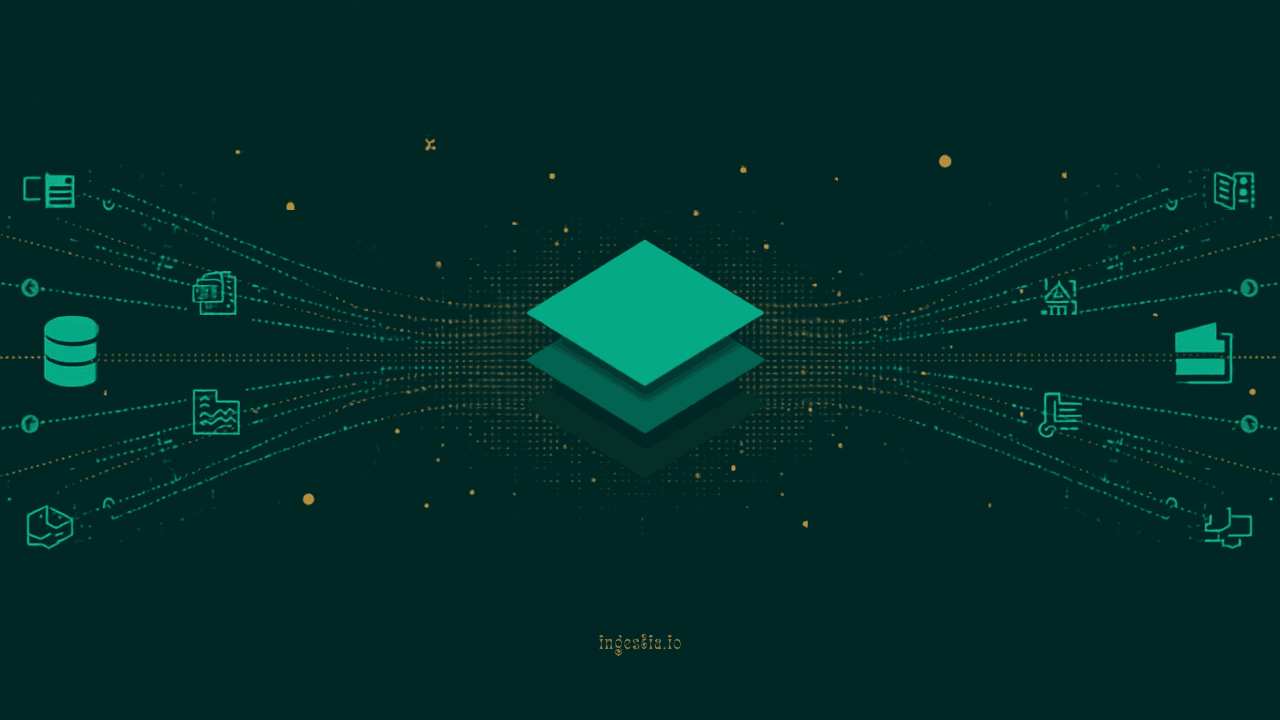
The goal is to give you the complete platform to move past scattered data: connect sources, organize them into Bronze, Silver and Gold layers, transform with a wizard or SQL, and consume the data wherever it makes sense — in the native BI (with dashboards, measures and alerts), by asking the AI in plain language, in AI Analyst reports, or via APIs, webhooks and external tools like Power BI and Excel. All on a monthly plan with usage credits, with consumption tracked in real time — and no data team required to get started.
Does your company need to centralize data?
Take the ingestia.io Data Structure Simulator and find out which path makes the most sense to organize your sources, cut rework and build a reliable foundation for reports, dashboards and integrations.