ingestia.io documentation
Glad to have you here! Pick a journey, follow the step-by-step with real product screens and, if you get stuck, search will find the answer.
How to take your data from the source to the decision. The documentation has four groups: start with the journeys, use the product guides day to day, look things up in the reference and turn to help when something fails. Search (⌘K / Ctrl+K) covers everything.
Start here
The five product journeys, in the order they happen: connection → pipeline → operations → BI, plus credentials. Each journey says what you end up with.
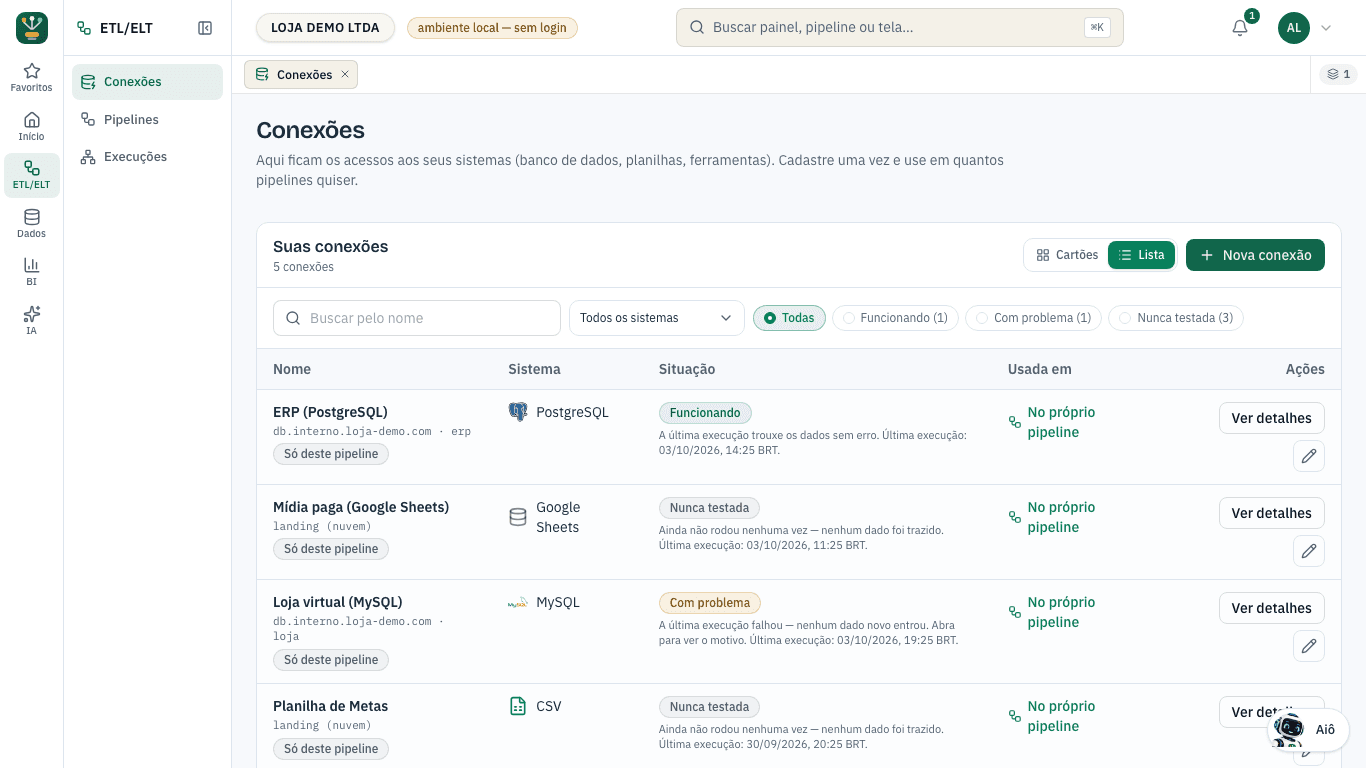
Create and test a connection
Access registered and tested. Registering the connection does not start any ingestion.
Connect your first source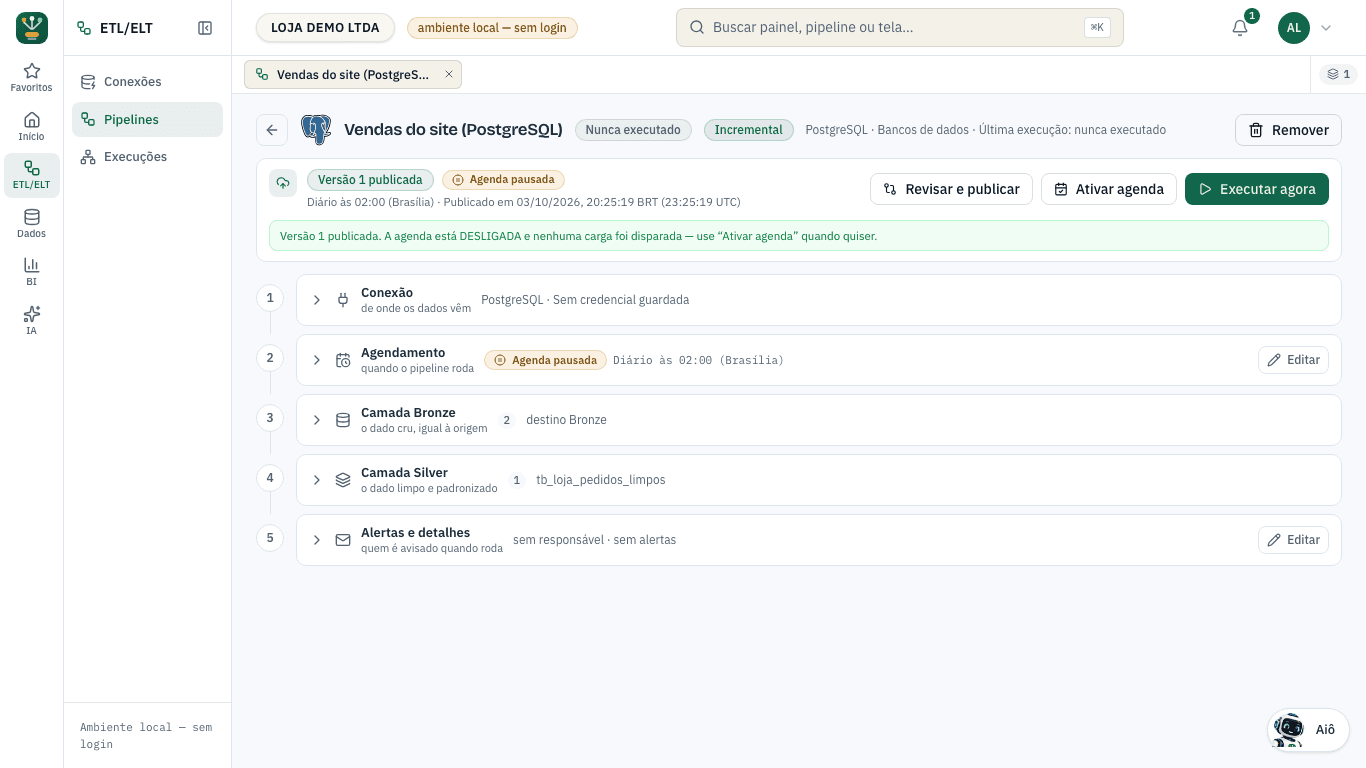
Create and publish a pipeline
Version 1 published with the schedule off — Run now and Turn on schedule are separate decisions.
First ingestion (create, publish and run)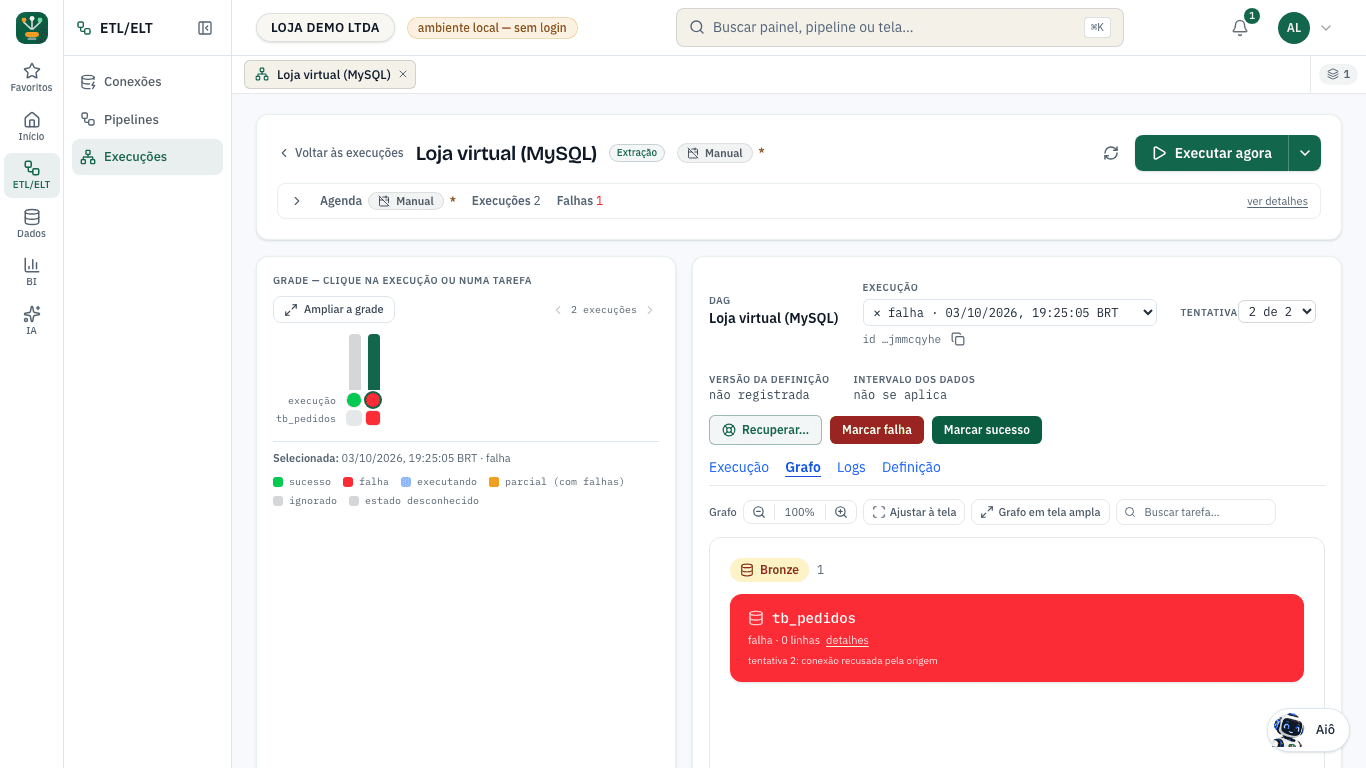
Diagnose and recover a run
From run to task, task to attempt, attempt to log — and the real effect of a rerun on the destination.
Follow a run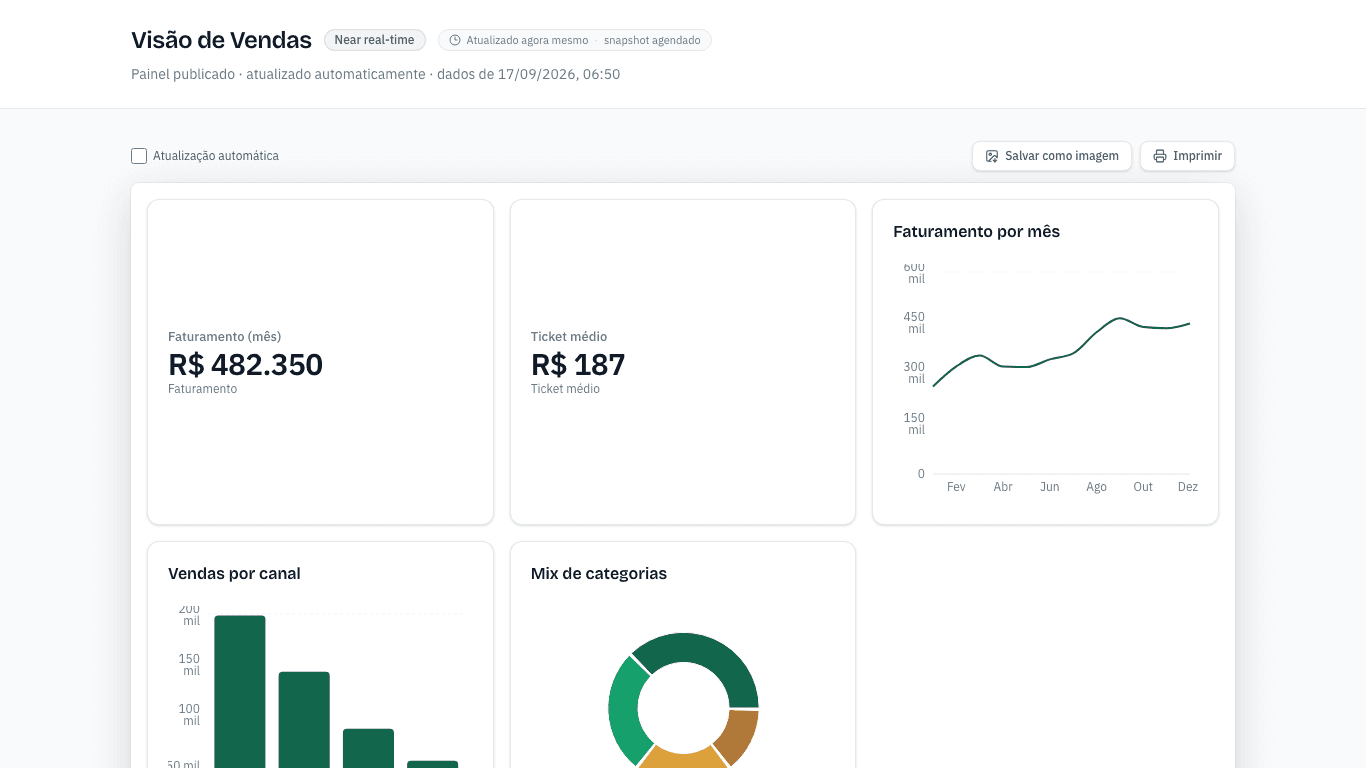
View, edit and publish a dashboard
Dashboard read with filters, edited as a draft and published — with the path to sharing and export.
View a dashboard
Credentials and permissions
What each credential allows without revealing the stored value, and the real limits of rotation and revocation.
Credentials and rotation
Get started
Account, concepts and the first three journeys: connection, pipeline and dashboard.
Product guides
One guide per product in the menu: ETL/ELT, Data, BI, AI and your account.
Data
Connections, catalog, Bronze/Silver/Gold layers, quality and governance.
ETL/ELT (orchestration)
Versioned publishing, schedule and time zone, runs, task/attempt and recovery.
BI and dashboards
Viewing, editing, pages, visuals, measures and publishing.
AI, alerts and automations
Natural-language questions, insights, alerts and reports.
AI Agents
Agents you build: what they know, what they can do and who approves.
Administration
People and access, credentials, usage, plans, audit and suspension.
Reference
Connectors, visuals, formulas, API and limits — to look up, not to read end to end.
Screen guide
Screen by screen: where it is in the menu, the exact name of each button and field, and what each state means.
- Auditoria — quem fez o quê, e quando
- Configurações — perfil, pessoas, chaves e workspace
- Créditos — saldo, recarga e extrato
- Custos & previsão — quanto o mês deve custar
- Planos — contratar, reativar ou trocar
- Preços — a tabela única de preço por unidade
- Suporte — conversas com o Aiô e chamados
- Tela Conectar BI — Excel, Power BI, Looker Studio e Tableau
- + 13 pages…
Developers / API
Query API, OData, keys and limits.
- API de consulta (REST) — `/api/v1/query` e `/api/v1/tables`
- Autenticação da API
- Embed SDK — painel dentro do seu sistema
- Endpoint: GET /api/v1/odata (service document)
- Endpoint: GET /api/v1/odata/{entity}
- Endpoint: GET /api/v1/tables
- Endpoint: GET /api/v1/tables/{dataset}/{table}
- Endpoint: POST /api/v1/query
- + 2 pages…
Formula catalog
Reference for ingestia BI functions.
Help
Troubleshooting by symptom, availability, known limitations and release notes.