How to centralize data from your ERP, spreadsheets, databases and internal systems
Centralizing data doesn't mean moving everything at once. It means connecting each source at the right frequency and organizing it all in one place. Here's the practical step-by-step.
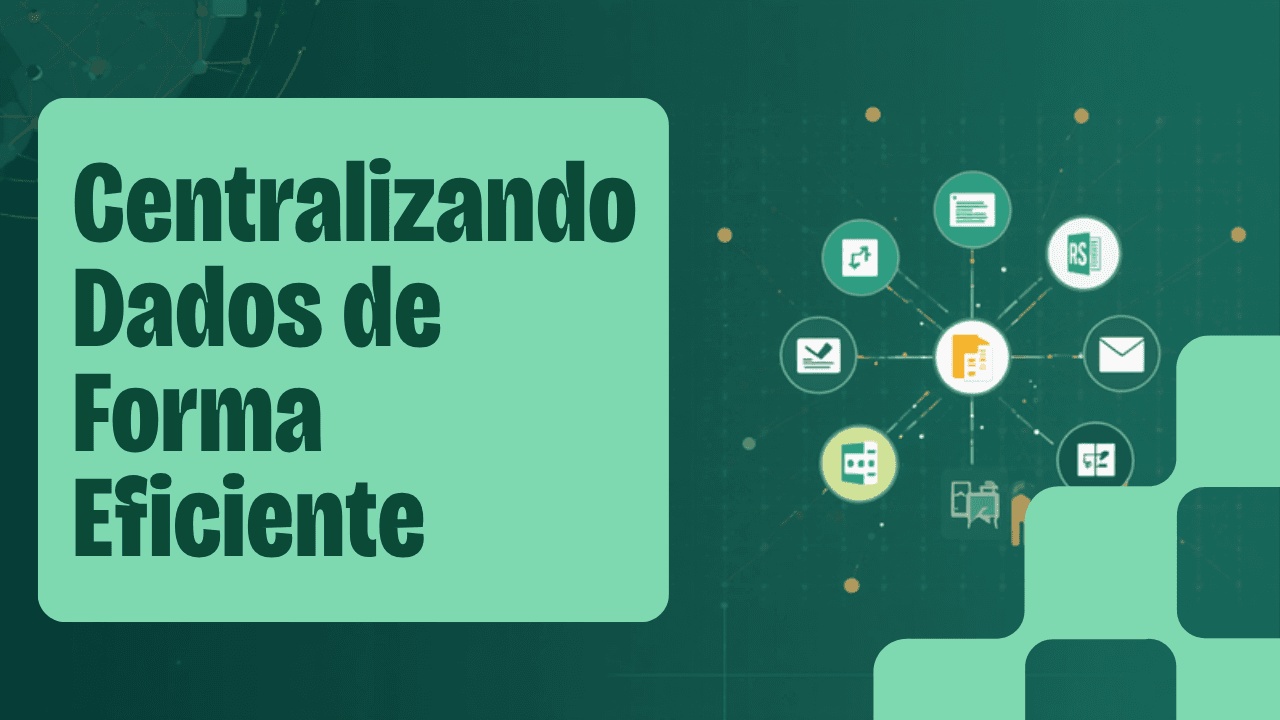
Most companies keep data in at least four places: an ERP, several spreadsheets, a financial system and some database or file folder. Centralizing doesn't mean abandoning those systems — they keep doing what they do well. It means getting their data to flow, organized and up to date, into a single environment where it can be analyzed together.
The common mistake is trying to do everything at once in one giant project. The approach that works is incremental: a few sources at a time, at the right frequency, organized from the start. Here's the step-by-step.
Step 1: map your sources
List where the data that matters comes from: ERP (sales, inventory, finance), CRM (customers and pipeline), department-specific spreadsheets, internal databases and files like CSV, JSON or Parquet. You don't need to connect everything at once — start with the sources that feed your most important decisions.
Step 2: set the frequency
Not all data needs hourly updates. Sales can be daily; a master record can be weekly. Setting the right frequency avoids unnecessary cost and keeps reports exactly as fresh as they need to be.
Step 3: connect and standardize
- Ready-made connectors for databases (PostgreSQL, SQL Server, MySQL, Oracle);
- Upload and reading of CSV, JSON and Parquet files;
- Reading from cloud storage like Amazon S3 and Google Cloud Storage — Azure Blob coming soon;
- Field standardization so everything "speaks the same language."
Step 4: organize into layers
With sources flowing in, separate raw data from cleaned data and from analysis-ready data. This structure (Bronze, Silver and Gold) is what turns a pile of exports into a reliable base.
Step 5: deliver for consumption
Finally, make the data available to whoever needs it: BI dashboards, APIs for systems, webhooks for automations. This last step is what turns the effort into value — centralized data gets used day to day, instead of becoming a nice project that's forgotten in a drawer.
Common mistakes when centralizing
- Trying to connect every source at once instead of prioritizing;
- Updating everything in real time "just in case," driving up costs for no reason;
- Skipping standardization and dumping raw data straight into the dashboard;
- Not defining who can see what when sensitive data is involved.
Avoiding these pitfalls gets you halfway there: centralizing well is more about method than technology.
How a platform like ingestia.io helps
ingestia.io offers ready-made connectors for databases, files and cloud storage, with scheduled ingestion. You connect the ERP, spreadsheets and databases once, set the frequency for each, and the platform keeps everything updated and organized in one central environment — already in Bronze, Silver and Gold layers, ready for consumption.
The goal is to deliver the complete platform to move past scattered data: connect sources, organize them into Bronze, Silver and Gold layers, transform with a wizard or SQL, and consume wherever it makes sense — in native BI (with dashboards, measures and alerts), by asking the AI in plain language, in AI Analyst reports, or through APIs, webhooks and external tools like Power BI and Excel. All with a monthly plan and usage credits, with consumption tracked in real time — and no data team required to get started.
Keep reading
Pages that go deeper into what you just read.
Does your company need to centralize data?
Take the ingestia.io Data Structure Simulator and find out which path makes the most sense to organize your sources, cut rework and build a reliable foundation for reports, dashboards and integrations.